Why Bing Places suddenly matters again
- Bing
- ChatGPT
- Listings
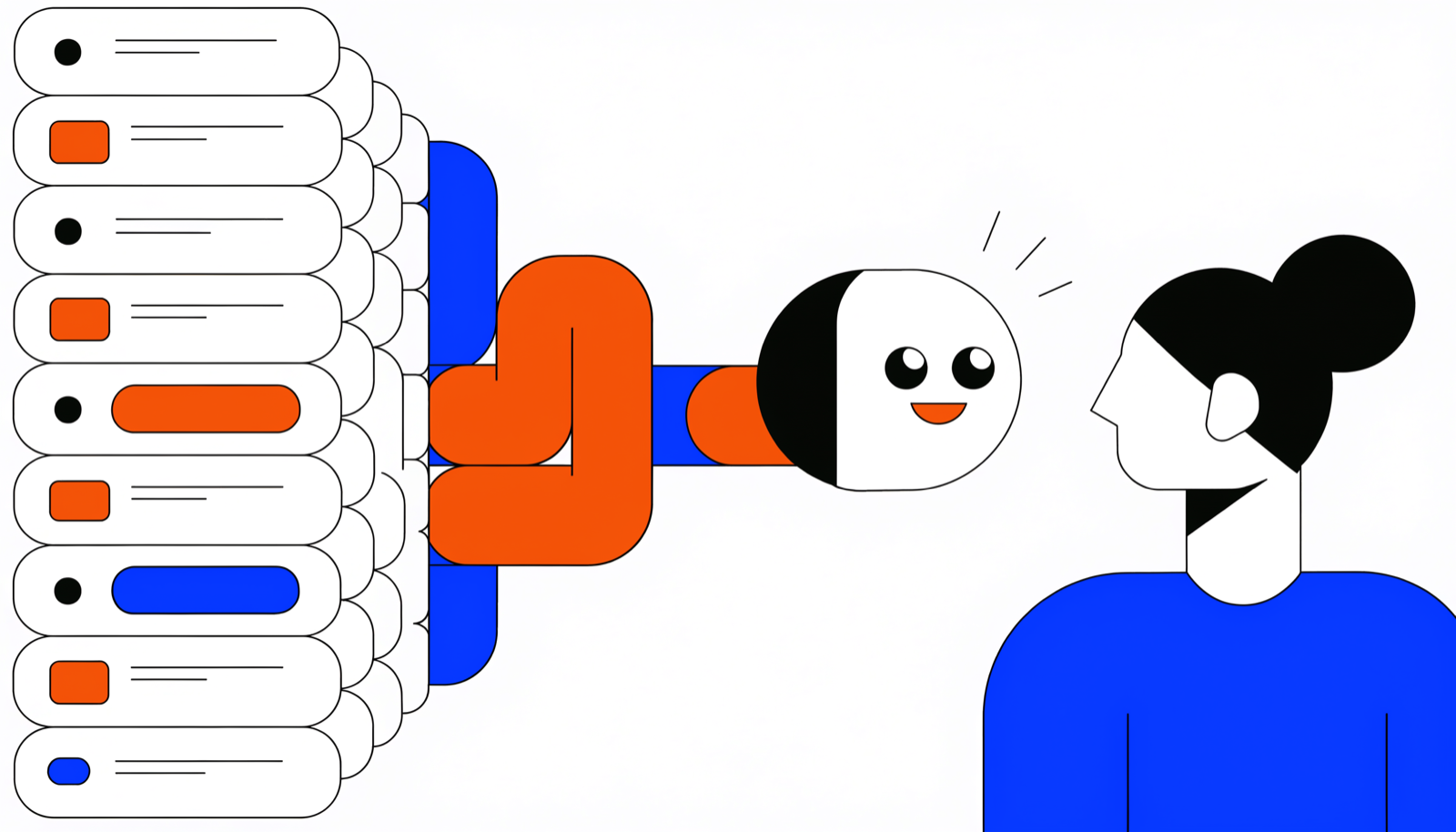
Bing Places suddenly matters again because Bing's data now feeds AI assistants. Microsoft Copilot builds directly on Bing's index, ChatGPT leans heavily on search results from that same index for its web-connected answers, and Alexa historically relied on Bing for search queries too. A neglected or incorrect Bing listing therefore costs you hardly any Bing visitors today — there were barely any anyway — but something far more valuable: your visibility in AI answers.
Why everyone ignored Bing for years
Rest assured: if you have never once looked at your Bing listing, you are in good company. In the UK and most of Europe, nearly everyone googles; Bing's market share always stayed modest. For an owner running a busy business, the sums were quickly done: every hour spent on your Google Business Profile returned more than the same hour spent on Bing Places. So nobody bothered.
For years, that was an entirely reasonable choice. Except the sums no longer add up.
What changed
Quietly, Bing has become something other than a search engine nobody visits: it is the data supplier behind a set of AI assistants your customers very much do use.
- Microsoft Copilot — built into Windows, Edge and Microsoft 365 — constructs its answers directly on Bing's index and business data.
- ChatGPT consults the web for questions that need current information, and those search results draw heavily on Bing's index. When someone asks ChatGPT for a good plumber in Leeds, it is effectively looking through Bing's glasses.
- Alexa historically leaned on Bing as its search partner for search queries.
The result: the listing you could neglect without consequence for years now helps decide what a whole generation of assistants says about your business. Wrong opening hours in Bing Places become wrong opening hours in a Copilot answer. No listing becomes: invisible. What that costs over time is covered in what is AI visibility? — the short version: customers you never see leaving.
What is Bing Places?
Bing Places for Business is Microsoft's free counterpart to your Google Business Profile. It is where you manage your business listing in Bing: name, address, phone number, category, opening hours, photos and website. That data feeds Bing's search results and maps — and everything built on top of them.
As with Apple and Google, the same rule applies: even if you have never done a thing, a listing for your business probably already exists, assembled automatically from external sources. The question is not whether you are in Bing, but whether what is there is correct — and who is checking.
Getting your listing in order
The good news: this is the quickest job of the three big profiles, especially if your Google Business Profile is already in shape.
- First look at what is there now. Search your business name and town on Bing and inspect the business panel. Note what is wrong or stale.
- Sign in to Bing Places with a Microsoft account — and, as with Apple, use a business email address.
- Use the Google Business Profile import. Bing offers a flow that pulls in your existing Google profile in a few clicks: details, categories, photos. This is the main reason Bing Places is so little work — provided your Google profile is right. If it is not, start there, with our Google Business Profile checklist.
- Choose whether to stay synchronised. During the import you can let Bing periodically refresh your details from Google. For most businesses that is the sensible setting: one source of truth, less upkeep.
- Verify your listing. Depending on your situation this happens by phone, email or a letter with a PIN. Without verification, your changes sit in a waiting room.
- Check the result. Review the imported data as if you were a new customer: is the category right, are the hours correct, are the photos recent?
Common problems
- Imported once, never looked at again. Import without synchronisation, then update your Google profile later, and you are quietly growing a stale Bing listing. Choose synchronisation, or put Bing on your maintenance list.
- A category that translated badly. Google's and Bing's categories do not map one to one; after an import, "fish and chip shop" can quietly become something generic like "restaurant". Always check this field by hand — category is one of the heaviest-weighted signals.
- Duplicate listings. If an auto-generated listing already existed and you create a fresh one beside it, you split your signals. Claim the existing one instead of starting a second, and report duplicates.
- Verification that stalls. If the letter or the phone call never arrives, try another verification channel rather than giving up. An unverified listing is a door left half open.
Where Bing sits in your priority list
Let us be honest: Bing Places is not your first job. The order that pays best:
- Google Business Profile — the most influential source, for classic search and assistants alike.
- Apple Business Connect — the direct line to Siri and Apple Maps; we wrote a separate guide to it.
- Bing Places — the last of the big three, and thanks to the import the fastest.
- The directories — the long tail of listings that confirm your consistency.
Budget about an hour for Bing, verification not included. Very little work for a channel that flows straight through to Copilot and ChatGPT's web answers. And if you would rather first see where you stand across every channel at once, the free scan maps it out in a few minutes.