NAP consistency: why your details must match everywhere
- NAP
- Listings
- Local visibility
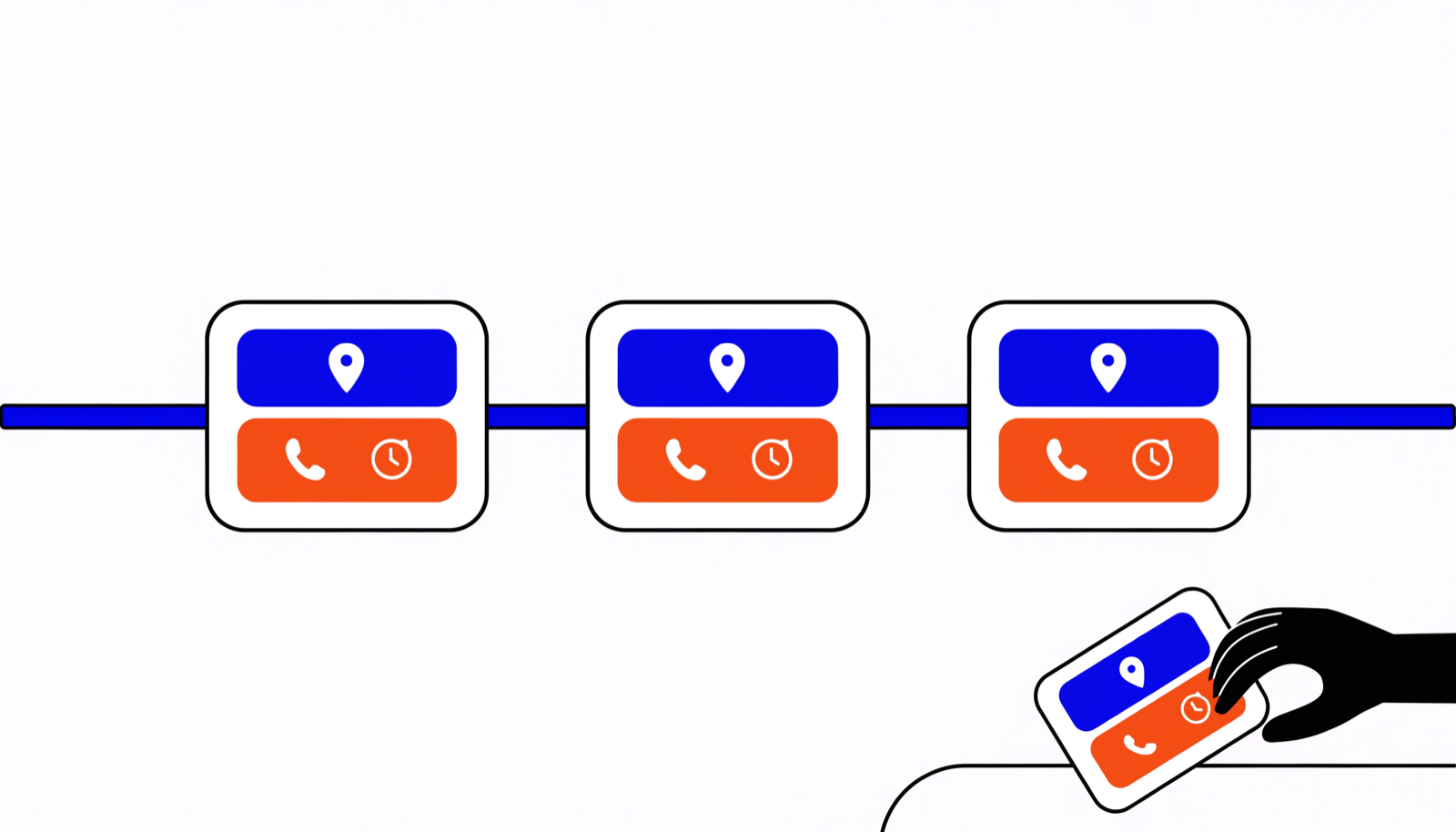
NAP stands for name, address and phone number — the three details customers use to find and reach your business. NAP consistency means those three are written identically everywhere: on your Google Business Profile, in Apple Maps, on Bing, in business directories and on your own website. It matters this much because voice assistants and AI systems cross-check sources before they recommend a business. When your details match everywhere, their confidence that the data is correct grows; when they conflict, it drops — and the assistant picks a competitor it does not have to doubt.
Why do assistants and AI cross-check your details?
A voice assistant that recommends a business is taking a risk. If Siri sends someone to a locked door or a number that no longer works, the user loses trust in the assistant — not in you. So these systems are built to be cautious: before they name one business as the answer, they test what they know about you against several sources at once.
Think of a journalist checking a story. If three independent sources say exactly the same thing, the story stands. If one source says 12 Church Road and another says 8 Station Road, there is doubt — and doubt is all the reason an assistant needs to choose a different business. The same goes for AI systems like ChatGPT and Gemini: they too lean on whatever is written about your business across the wider web.
The frustrating part: you never notice it happening. There is no error message, and nobody rings to tell you. You simply become the answer a little less often, in silence.
Where do the mismatches come from?
Almost never from carelessness today. Almost always from history:
- An old move. Your business has been at the new address for five years, but three directories still show the old one. Nobody ever updated those listings, because nobody knew they existed.
- A name change or rebrand. New logo, new name above the door — but half the web still knows you by the old name. A plumber in Leeds who went from "Wilson & Sons Plumbing" to "Wilson Plumbing" lives online twice.
- Directories copying from each other. Many business directories fill themselves with data from other directories and data brokers. One old mistake keeps copying itself for years, from platform to platform.
- Third-party "corrections". Platforms like Google accept suggested edits from users and sometimes change details themselves based on other sources. Your listing can change without you doing anything at all.
What these errors look like in real life
To a person these are details. To a machine they are different businesses:
- 12 Church Road versus 12 Church Road, Unit 1. The same door, but two addresses on paper. A system that meets both cannot tell which one is right.
- Wilson Plumbing versus Wilson Plumbing Ltd. Legal suffixes creep into listings. Add an older trading name and you quickly have three name variants in circulation.
- An old landline alongside your current mobile number. The chip shop whose four directory listings still show the previous owner's number is literally sending customers to someone else.
- Abbreviations and typos. "Church Rd" next to "Church Road", "St. Peter's Square" next to "Saint Peter's Square", a missing house number.
A café in Manchester with three of those variants live at once has done nothing wrong — and still loses trust with every system that lays its details side by side.
Run your own audit: one afternoon's work
You do not need an agency to map this out. Three steps:
- Pick one canonical spelling. One name (as it appears above your door, without the legal suffix), one address format (with or without the unit number, but choose), one phone number in one fixed format. Write those three lines down somewhere you will find them again — from now on, this is the only correct version.
- Search for yourself the way a machine does. Google your business name, but also your former name, your old address and your old phone numbers. Anything that turns up and deviates from your canonical version goes on the list. Do not forget the map services: look your business up in Apple Maps and on Bing too.
- Inventory every listing. Google, Apple, Bing, Facebook, Yell, sector directories, review platforms and your own website. Note per platform what it says and where it deviates. A simple table is enough: platform, what is wrong, fixed or not.
Chances are you will find listings you never knew existed. That is normal — and exactly why this exercise pays off.
In what order do you fix everything?
Work from most influential to least, with your canonical spelling to hand:
- Your Google Business Profile. The single most influential source. While you are in there, run through the full checklist for your Business Profile.
- Apple Business Connect. The direct line to Siri and Apple Maps. Not claimed yet? Our guide to Apple Business Connect walks you through it.
- Bing Places. Often forgotten, but the data there feeds more systems than you would think — including AI assistants.
- The big directories and platforms. Facebook, Yell, the sector directories and review platforms your business appears on.
- Your own website. Put your canonical name, address and number in the footer and on your contact page, exactly as they appear everywhere else. Ask your web developer to add structured data (Schema.org) too, so machines can read your details without guesswork.
Do not expect overnight results: directories and map services sync slowly. But every correction counts, and the effect compounds.
Staying consistent is the real work
One big clean-up is a strong start, not a finish line. Listings change quietly: a directory re-imports from an old source, a user suggests an "improvement", a platform adopts a change that makes no sense. Without checks, the mismatches simply creep back in.
So make it a habit. Check your most important listings monthly — Google, Apple and Bing first. And when something genuinely changes about your business — a new number, a move, adjusted opening hours around the bank holidays — update it everywhere within the same week, starting with those three.
Want to know where you stand today? Run the free RankPrima Scan: it lays your listings side by side and shows you straight away where your details are missing or contradict each other. From that point on it is no longer detective work — just maintenance.